Ask AI chatbot widget for NPM projects
Add an AI chatbot or AI search widget to your JavaScript project using Biel.ai's NPM package.
Prerequisites
- A Biel.ai account. If you don't have one, sign up for free.
- A project created in your Biel.ai dashboard. Follow the Quickstart guide to create one.
- Node.js installed.
Add the chatbot widget
-
Install Biel.ai:
npm install biel-search -
Make sure you embed the styles and scripts in your primary JS or entry file:
import 'biel-search/dist/biel-search/biel-search.css';
import 'biel-search/dist/biel-search/biel-search.esm.js'; -
Just before the closing
</body>tag of your website's HTML, add the following snippet:<biel-button project="<YOUR_PROJECT_ID>"
header-title="Biel.ai chatbot"
button-position="bottom-right"
modal-position="bottom-right"
button-style="dark">
Ask AI
</biel-button>Replace
<YOUR_PROJECT_ID>with your project's ID from the Biel.ai dashboard. -
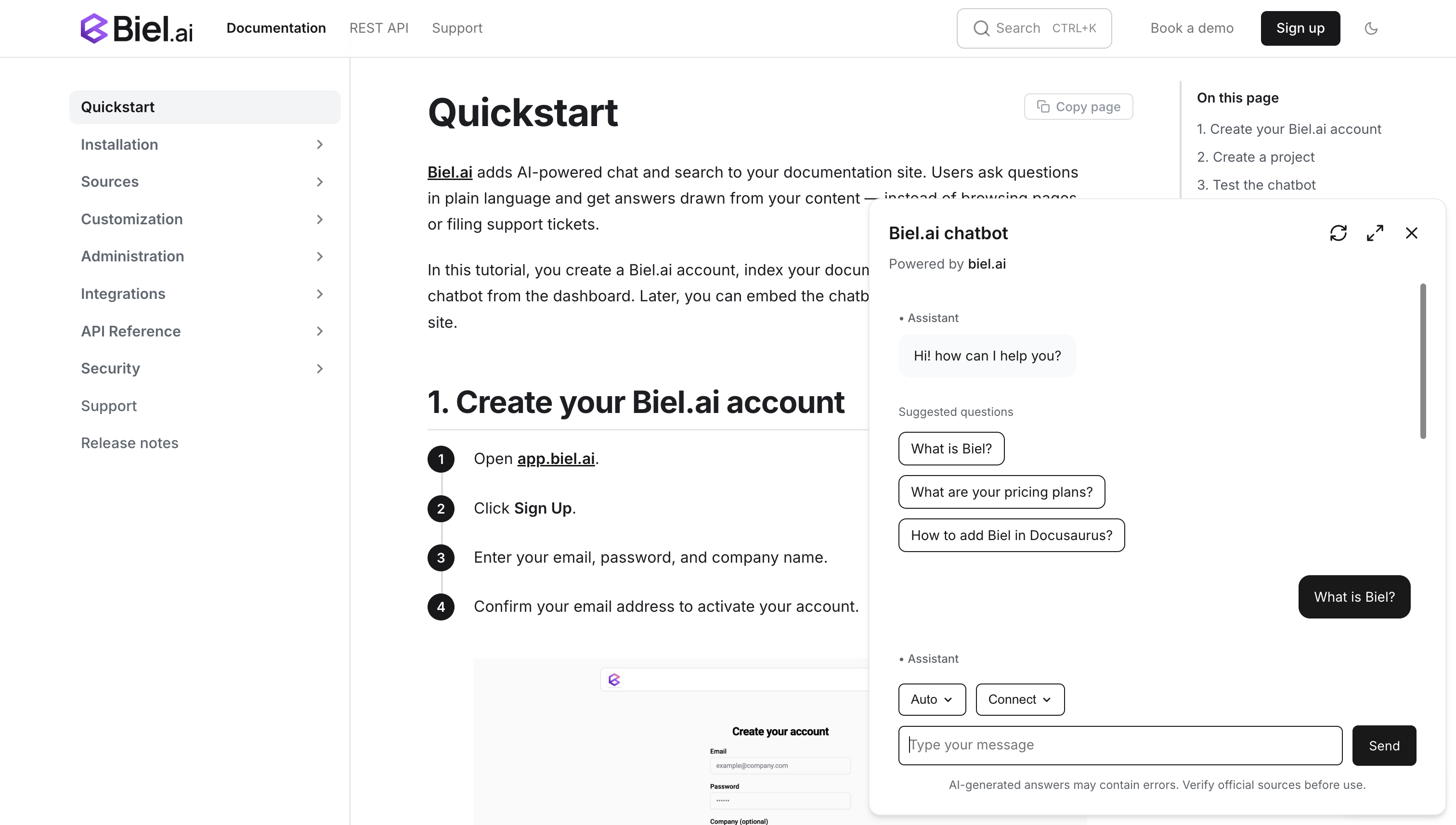
Open the website in a web browser to verify the chatbot appears and works correctly.
Next steps
- Customize the widget's appearance, behavior, and tone.
- Connect integrations like GitHub Actions, MCP, or Zapier.